

If you wish to disable auto-renew for a domain that you've purchased through DiverseHosting, then follow the steps below.
- Log in to the DiverseHosting client area.
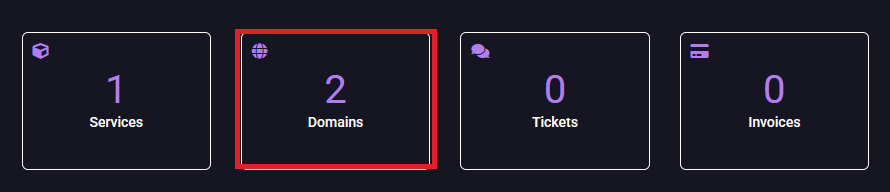
- Click on Domains.
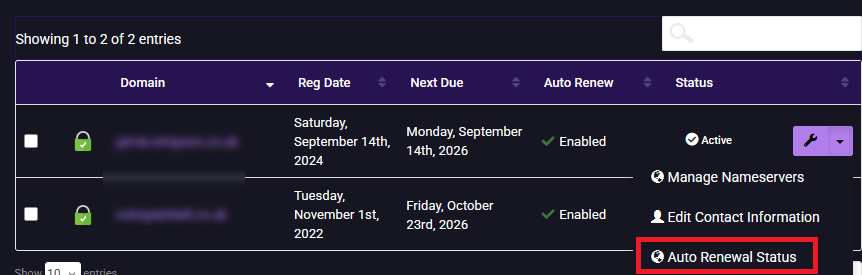
- Click the arrow next to domain you wish to disable the auto-renewal for, and then Auto Renewal Status.
- Click Disable Auto Renew.

- The auto-renewal is now disabled. You will retain access to the domain until the renewal date.
- If you decide to keep the domain later you can use the same steps to re-enable the auto-renew or manually renew.