

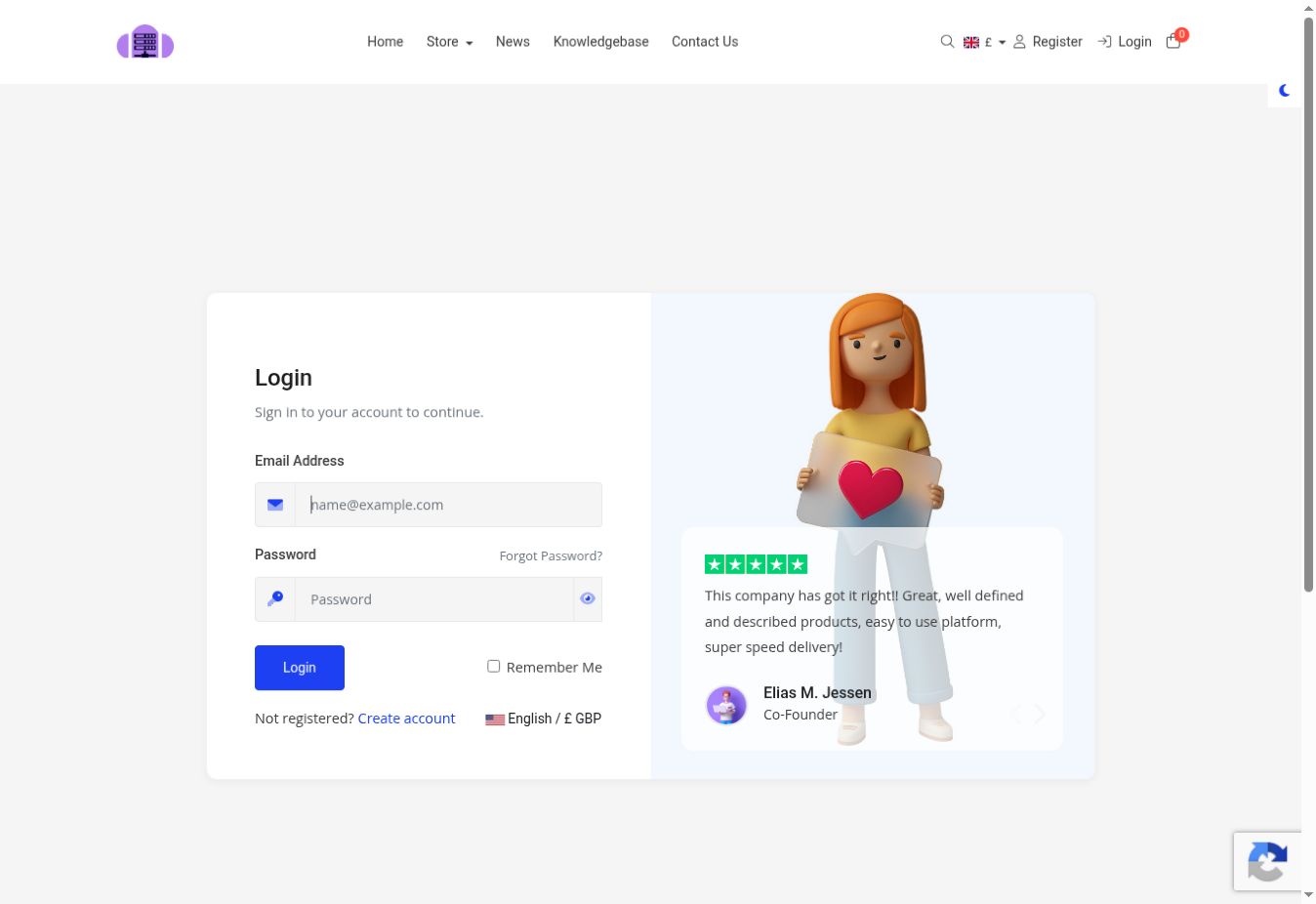
- Go to the DiverseHosting Login Page.
- Click Forgot Password?, beside the password field.
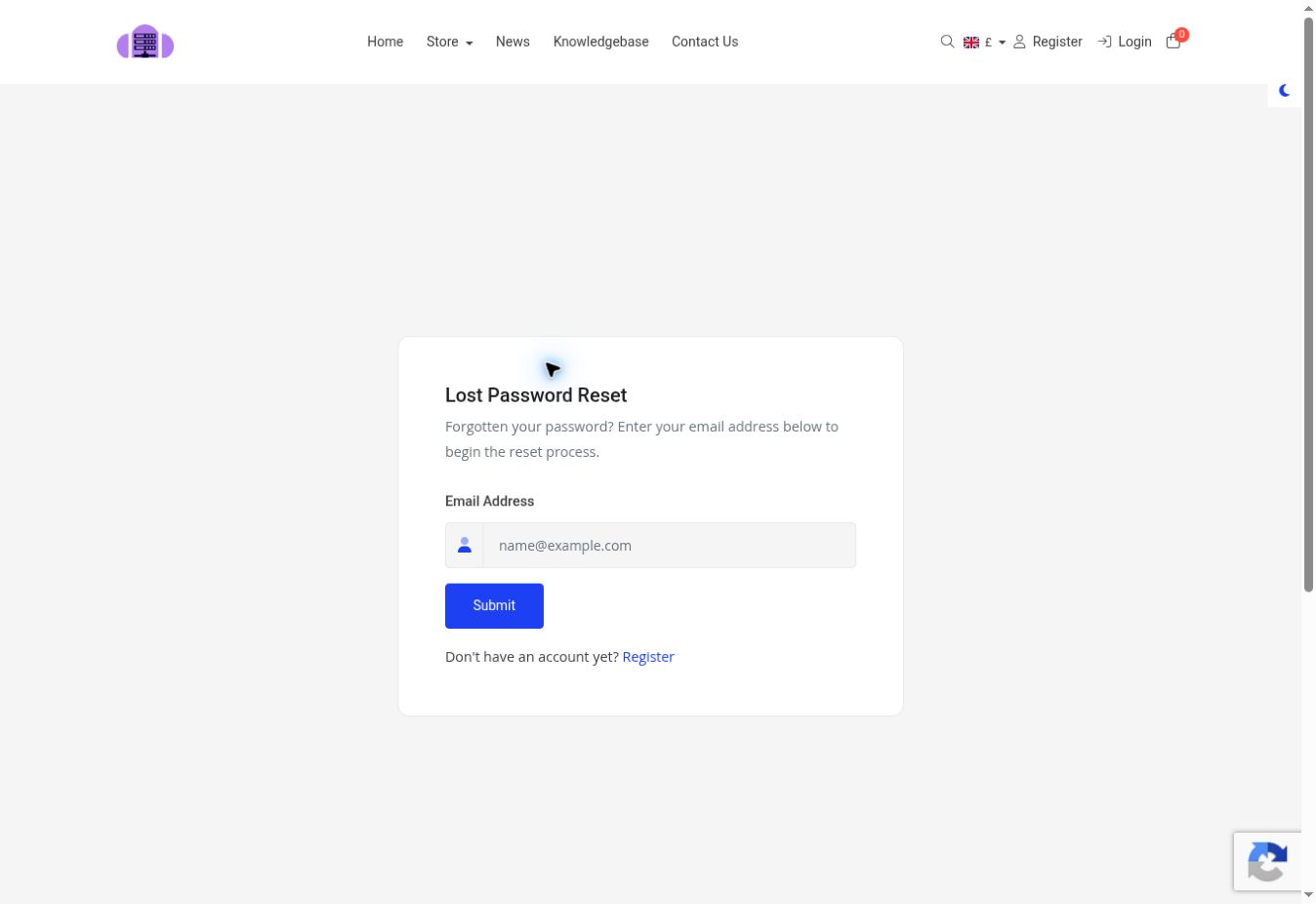
3 Enter the email address registered to the account.
4 Click Submit.
5 Check your inbox for the password-reset email. Also check your junk or spam folder.
6 Open the email and click the password-reset link.
7 Enter and confirm your new password.
8 Return to the login page and sign in with your new password.